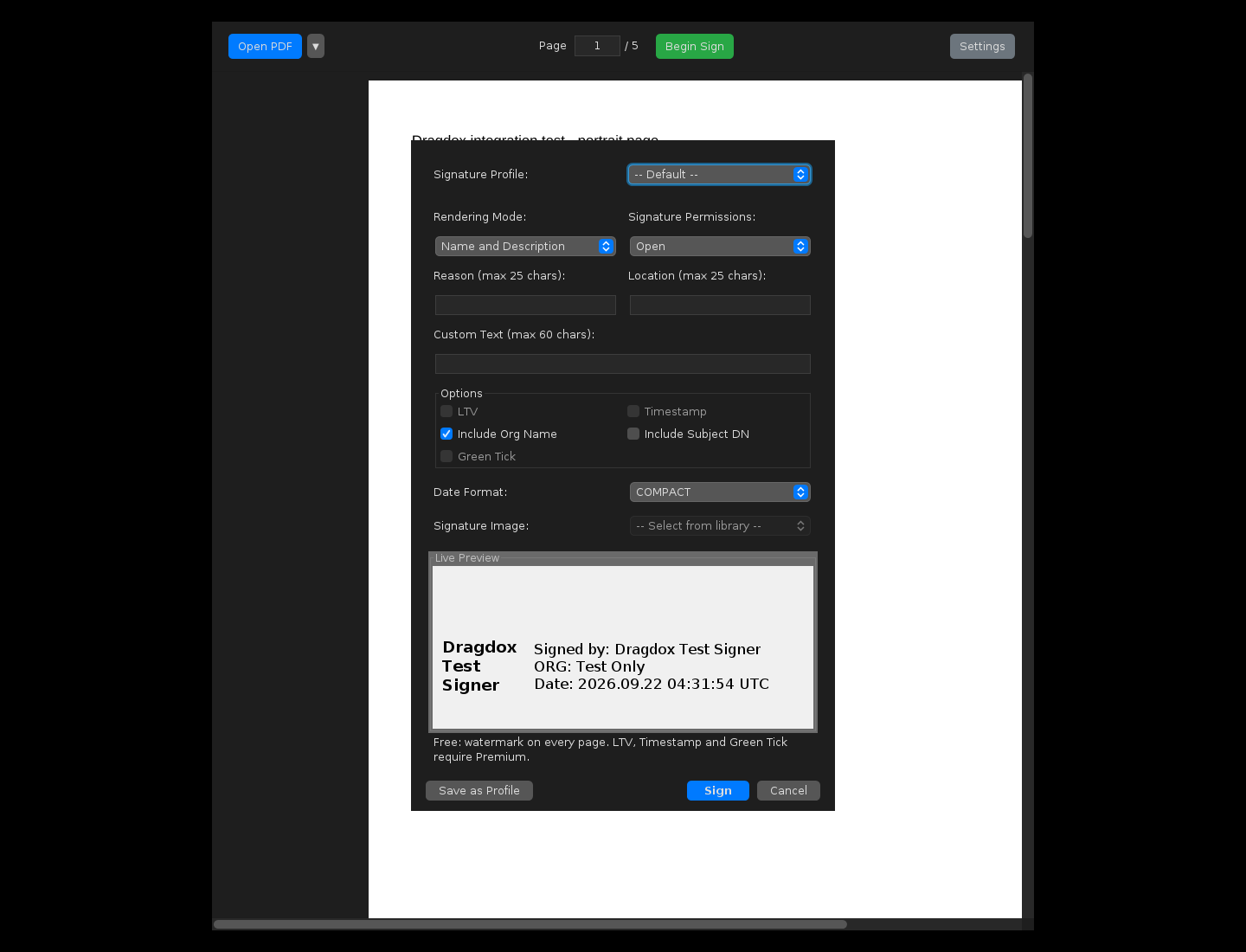
PDF Signer for Linux: Ubuntu and Debian
Dragdox digitally signs PDFs on Ubuntu and Debian with your own PFX certificate or a compatible USB DSC token through its PKCS#11 driver. Signing happens on your computer; your PDFs are never uploaded.
Supported systems
- Ubuntu 20.04, 22.04 and 24.04, and Debian 12 — 64-bit Intel/AMD (amd64).
- A graphical X11 or XWayland desktop.
- Java 8 is included in the package.
- For USB tokens, the package recommends
pcscd; your token’s Linux driver comes from its manufacturer.
ARM, 32-bit and other distributions have not been validated.
Install
sudo apt install ./dragdox_0.2.2_amd64.debStart it from your application menu or with dragdox in a terminal.
Certificates and tokens
On Linux, PFX Store and PKCS#11 Store are both on by default (Settings → Keystore). Dragdox lists these driver locations on first start:
| Token | Driver (PKCS#11 library) |
|---|---|
| WD PROXKey | /usr/lib/WatchData/ProxKey/lib/libwdpkcs_SignatureP11.so |
| mToken CryptoID | /opt/CryptoID/x64/lib/libcryptoid_pkcs11.so |
| InnaIT Key (Precision) | /opt/Precision_Biometric/InnaITDSC/libraries/libInnaITPKCS11Driver.so |
| HYP2003 | libcastle_v2.so.1.0.0 — no fixed location; add it yourself (see below) |
HYP2003 on Linux
The HYP2003 Linux package ships its PKCS#11 library, libcastle_v2.so.1.0.0, without a fixed install location — its readme says to copy it to any folder. Copy it, then add it in Settings → Keystore → Browse PKCS#11 File. The same package contains config.sh, which the vendor provides to set USB permissions for the token. Use the package that matches your token: in our test (28 September 2026, Ubuntu 24.04), a FIPS 140-3 HYP2003 token was read with the FIPS 140-3 library, while the FIPS 140-2 library failed to open a session with it.